
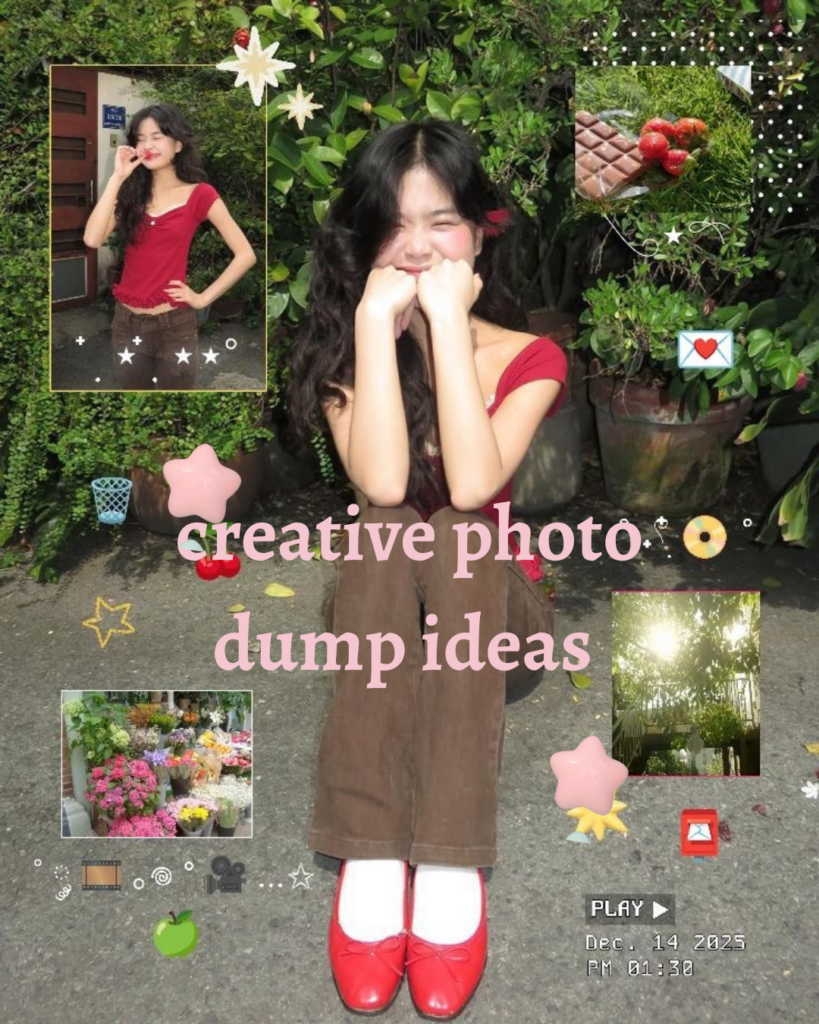
A photo dump is just a handful of unposed photos posted together, but the ones that stop your thumb mid-scroll are never random. They have rhythm, a little chaos, and one or two frames that make people zoom in.
Advertisements1
I've posted a lot of dumps that flopped and a few that took off, and the difference was never a fancy camera. It was sequencing, cropping, and knowing which three photos to cut. This guide walks you through the whole process, from shooting with a dump in mind to the final caption.
Think of it like cooking: the ingredients are your existing photos, and the method is the order and edit you apply. Follow the steps and you'll get a post that feels curated without looking try-hard.
Why You'll Love This Recipe
About the Ingredients
10 to 15 raw photos from one day or one outing
Pull from a single day so the light and mood stay consistent. If you only have 5 keepers, shoot 4 quick filler frames of textures, feet, or a coffee cup before you start.
1 phone camera set to grid lines on
The rule-of-thirds grid is the cheapest composition upgrade you can make. If your phone lacks a grid, most third-party camera apps add one for free.
3 close-up detail shots (hands, food, texture, signage)
Details are the connective tissue of a good dump. No interesting details around? Shoot your shoes, your drink, or a shadow on the wall.
2 wide or scenery frames for breathing room
These give the eye a rest between busy shots. A sky, a street, or an empty room all work, and cloudy days actually help by flattening harsh shadows.
1 candid photo of a person (you or a friend) mid-laugh or mid-motion
Motion blur is a feature here, not a flaw. If nobody's around, set a 3-second timer and toss your hair or walk toward the camera.
1 consistent color preset or filter at 60 to 80 percent strength
One preset across the whole dump is what makes it read as a set. Free options like VSCO's A6 or a Lightroom mobile preset both work; avoid stacking two filters.
1 caption of 6 to 12 words plus 2 to 4 emoji
Short captions keep the focus on the photos. If you're stuck, name the day, the place, or a tiny inside joke instead of describing the images.
Tips & Tricks
Shoot the dump, don't assemble it
Take 15 to 20 frames in one outing so the set feels like a real moment, then pick the best 8 to 10. Dumps built from three different weeks always look mismatched.
Break the pattern every third slide
Alternate close-ups and wides, and drop one oddball frame (a blurry shot, a sign, a ceiling) around slide 3 or 6. That small disruption is what makes people keep swiping.
- Lead with your strongest frame, not your prettiest: The first photo is your thumbnail and decides whether anyone taps through. Choose the one with a face, motion, or bold color, even if it's technically imperfect.
Pro Tips
Step-by-Step Instructions
1. Shoot With the Dump in Mind
Spend 15 minutes capturing 15 to 20 frames in one location or outing, mixing wides, details, and one candid person shot. Shooting more than you need gives you room to cut, which is where the creativity actually happens.
2. Cull Down to Nine
Open your camera roll and favorite ruthlessly until you have 8 to 10 images. Delete anything with the same angle as another shot, because duplicates are the number one reason dumps feel flat.
3. Sequence for Rhythm
Lay the favorites out in your head or in a notes app and order them wide, detail, person, detail, wide. This alternating pattern keeps the eye moving and stops the set from feeling like a photo album.
4. Apply One Preset
Edit the first photo to taste, then copy those edits to the rest at 60 to 80 percent strength so nothing looks identical. Consistent color is the single biggest visual upgrade, and it takes about 3 minutes total.
5. Crop Two Frames Differently
Make one image a square crop and one a tight zoom on a detail, leaving the rest at 4:5. The size variation signals intention and makes the carousel feel designed rather than dumped.
6. Write a Six-Word Caption
Type a caption of 6 to 12 words that names the day, place, or a joke, then add 2 to 4 emoji. Resist explaining the photos; the mystery is what gets comments.
7. Post and Pin a Comment
Publish the carousel, then immediately comment the location or a one-line story and pin it. That pinned comment gives people a reason to engage beyond double-tapping.
Delicious Variations
The Travel Dump
Swap in airport signage, a window view, and one meal close-up for a set that reads as a trip without a single posed landmark shot.
The Food Dump
Use three plated dishes, two hands-holding-fork frames, and one messy table wide, all edited with a warm preset.
The Outfit Dump
Mix one full-body mirror shot, two fabric close-ups, and one mid-walk candid for a street-style feel that still looks casual.
How to Store How to Make Your Photo Dumps More Creative
Refrigerator
Not applicable, but do keep your raw photos in a labeled album so you can rebuild or repost the set later.
Freezer
Archive unused frames to a cloud folder instead of deleting them; they make great filler shots for a future dump.
Reheating
Reuse a proven sequence by saving it as a template in your notes app and swapping in new photos each week.
Frequently Asked Questions
Q: How many photos should be in a photo dump?
Aim for 8 to 10 photos, which is the sweet spot for carousels on Instagram and TikTok. Fewer than 6 feels thin and more than 10 loses people before the best frame.
Q: Do photo dumps need a filter?
Yes, one consistent filter or preset at 60 to 80 percent strength makes a dump look intentional. Skip it and the mismatched colors read as random rather than creative.
Q: What makes a photo dump creative instead of boring?
Variety in scale and subject is what separates the two: mix close-ups, wides, and one candid person shot. Add one imperfect or blurry frame for personality.
Q: Can I make a photo dump with old photos?
Yes, as long as they share similar light and color, so edit them with the same preset first. Old photos from wildly different seasons will look stitched together.
Q: What should I caption a photo dump?
Keep it to 6 to 12 words plus a few emoji, naming the day, place, or an inside joke. Short, specific captions get more comments than descriptive ones.
Grab your camera roll right now, favorite 10 frames, and build your first dump using the wide-detail-person rhythm above. Then come back and tell me which slide got the most taps, because that's your new go-to opener.
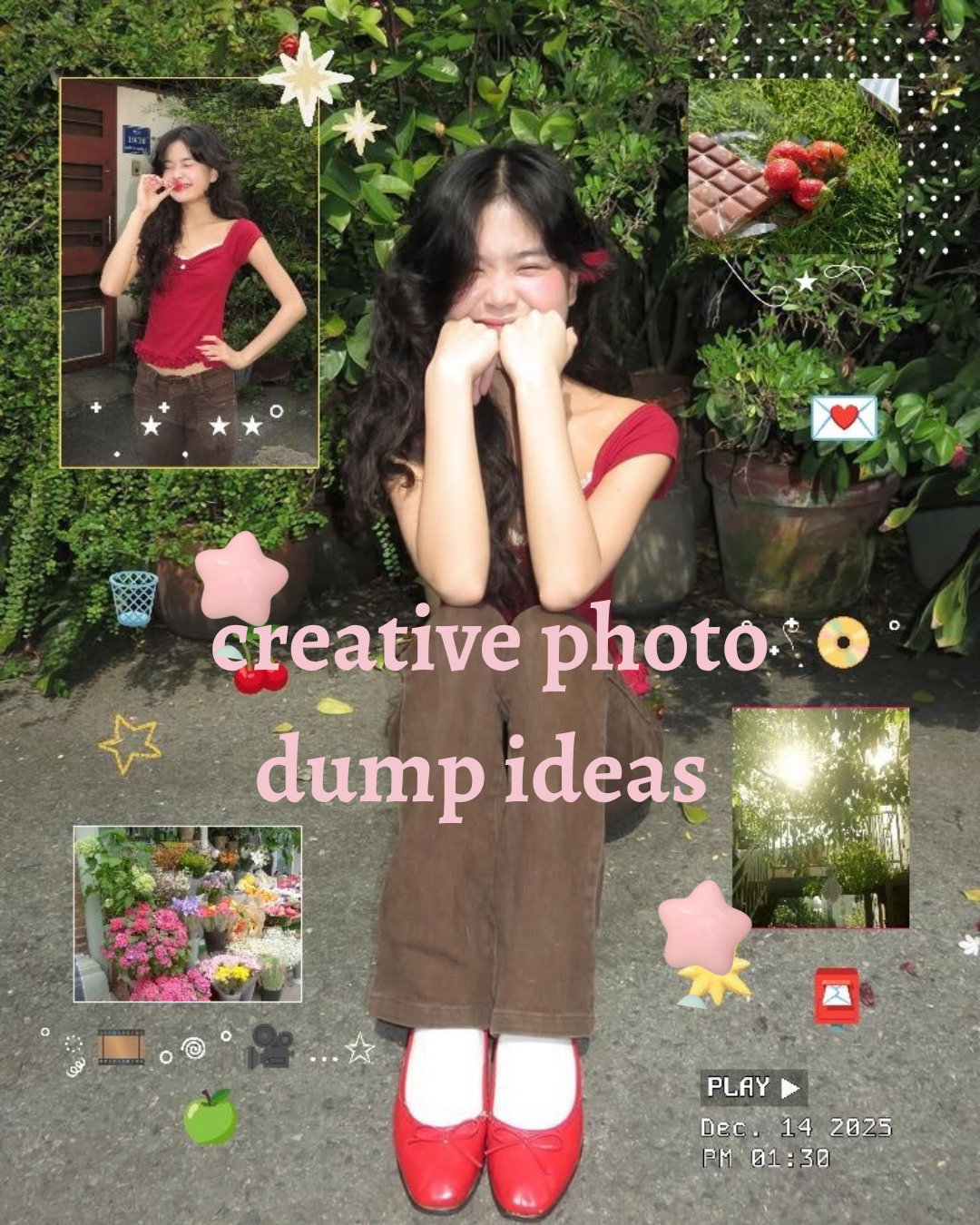
How to Make Your Photo Dumps More Creative
Creative photo dumps turn a messy camera roll into a scroll-stopping story, and this guide shows you exactly how to shoot and edit one in 10 minutes.
🧂 Ingredients
- 10 to 15 raw photos from one day or one outing
- 1 phone camera set to grid lines on
- 3 close-up detail shots (hands, food, texture, signage)
- 2 wide or scenery frames for breathing room
- 1 candid photo of a person (you or a friend) mid-laugh or mid-motion
- 1 consistent color preset or filter at 60 to 80 percent strength
- 1 caption of 6 to 12 words plus 2 to 4 emoji
📋 Instructions
- 1Shoot With the Dump in Mind — Spend 15 minutes capturing 15 to 20 frames in one location or outing, mixing wides, details, and one candid person shot. Shooting more than you need gives you room to cut, which is where the creativity actually happens.
- 2Cull Down to Nine — Open your camera roll and favorite ruthlessly until you have 8 to 10 images. Delete anything with the same angle as another shot, because duplicates are the number one reason dumps feel flat.
- 3Sequence for Rhythm — Lay the favorites out in your head or in a notes app and order them wide, detail, person, detail, wide. This alternating pattern keeps the eye moving and stops the set from feeling like a photo album.
- 4Apply One Preset — Edit the first photo to taste, then copy those edits to the rest at 60 to 80 percent strength so nothing looks identical. Consistent color is the single biggest visual upgrade, and it takes about 3 minutes total.
- 5Crop Two Frames Differently — Make one image a square crop and one a tight zoom on a detail, leaving the rest at 4:5. The size variation signals intention and makes the carousel feel designed rather than dumped.
- 6Write a Six-Word Caption — Type a caption of 6 to 12 words that names the day, place, or a joke, then add 2 to 4 emoji. Resist explaining the photos; the mystery is what gets comments.
- 7Post and Pin a Comment — Publish the carousel, then immediately comment the location or a one-line story and pin it. That pinned comment gives people a reason to engage beyond double-tapping.